TOOL HUNTER

Ever looked at a breathtaking landscape and wished your camera could capture it all in one shot? Or maybe you’ve taken multiple photos of a group and wanted to combine them into a perfect collage? That’s where the magic of photo stitching comes in. This technique lets you merge several images into one seamless picture, creating stunning panoramas or creative collages that tell a bigger story.
Whether you’re a professional photographer or just someone who loves taking pictures, learning how to ai stitch images can completely transform your photography game. The right photo stitching software makes it surprisingly easy to blend photos together, removing visible seams and creating professional-looking results.
What Exactly is Photo Stitching?
Photo stitching, sometimes called image stitching, is the process of combining multiple photographic images with overlapping fields of view to produce a single panoramic image or high-resolution photo. It’s like digital sewing where you’re connecting different pieces of fabric to make a larger quilt.
This technique isn’t just for creating wide landscape shots – you can use it for architectural photography, group photos, or even artistic collages. The best part? You don’t need to be a tech wizard to do it. Modern photo stitch app options have made this technology accessible to everyone.
Top PC Software for Photo Stitching
When it comes to serious photo editing, PC software often provides the most power and flexibility. Here are some of the best options for desktop users looking for reliable picture stitcher solutions.
AutoStitch: Perfect for Beginners and Pros
AutoStitch stands out with its clever algorithms and straightforward interface. This program makes blending photos incredibly simple, which is why both new users and experienced photographers love it.
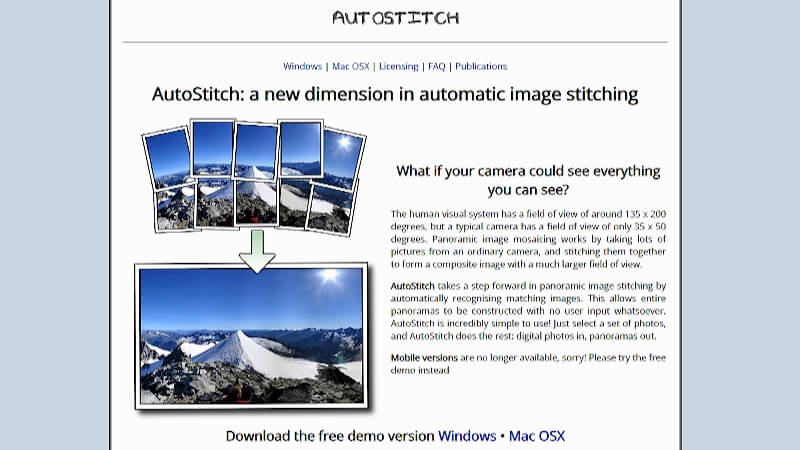
What’s great about AutoStitch is that it works on both Windows and MacOS, so pretty much anyone can use it. It finds the perfect balance between being easy enough for beginners while still offering enough control for more advanced users. Even though expert photographers might find the editing options a bit limited, the reasonable price makes it accessible to a wide range of users looking for quality photo stitching software.
PanoramaStudio: For the Panorama Perfectionists
If you’re serious about creating wide-angle panoramas and 360-degree images, PanoramaStudio might be your new best friend. This software really shines when it comes to productivity and ease of use for creating expansive shots.
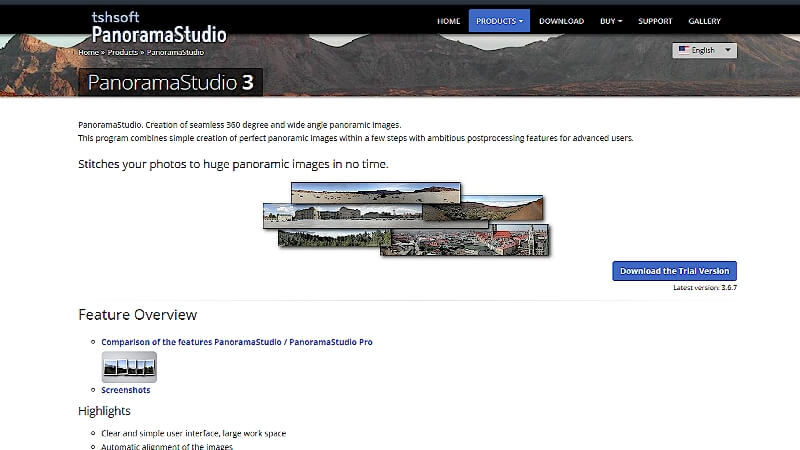
Since it supports multiple Windows versions, PC users have plenty of options. The high-resolution image creation and editing capabilities are definitely the main attractions here, though beginners might find the interface a bit overwhelming at first. For photographers dedicated to panorama work, PanoramaStudio offers a free trial and affordable pricing for the full version, making it a solid investment in your photo stitching software collection.
PhotoJoiner: Simple and Effective
When you need to quickly combine photos into collages, PhotoJoiner gets the job done without any fuss. Its compatibility with both Mac and Windows makes it a handy choice for many users.
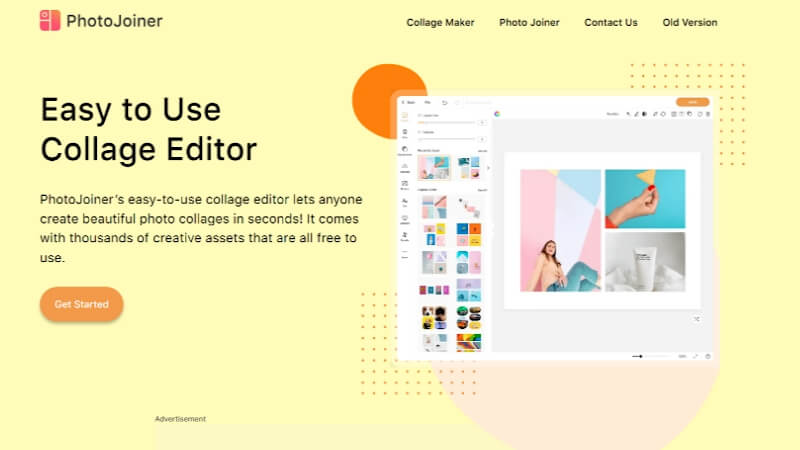
The application is known for its clean, simple design, though this simplicity means it lacks some of the more advanced editing tools found in other programs. If you’re someone who values straightforward functionality over complex features, you’ll appreciate PhotoJoiner. It’s free to use with basic features, and the premium features come at a modest cost, making it budget-friendly for casual users and hobbyists exploring photo stitch app options.
PhotoKit: Professional-Grade Results
PhotoKit is a powerhouse when it comes to producing high-quality panoramas. This Windows-only software packs sophisticated editing tools and delivers exceptional output quality.
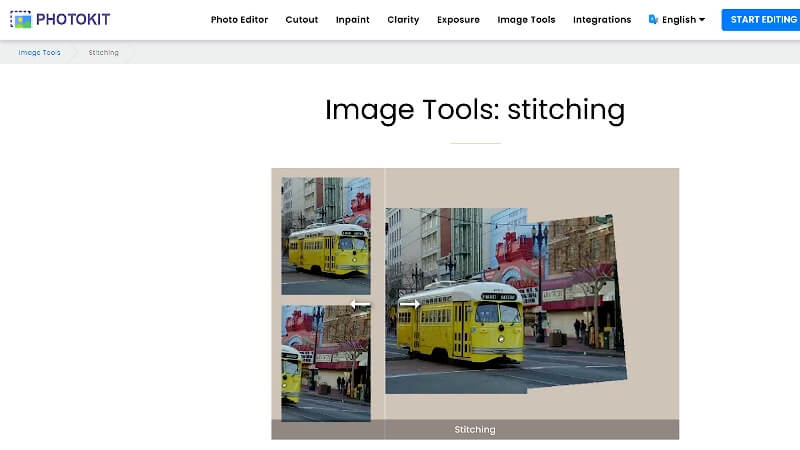
Because of its advanced nature, PhotoKit is particularly well-suited for experienced users, though newcomers might find the learning curve a bit steep. The price reflects its professional orientation, positioning it as a premium choice for advanced amateurs and professional photographers who need top-tier photo stitching capabilities in their workflow.
Pixelied: Versatile and User-Friendly
Pixelied is that flexible, intuitive program that seems to have something for everyone. Working on both Windows and MacOS, it appeals to a broad audience with its mix of basic and advanced capabilities.
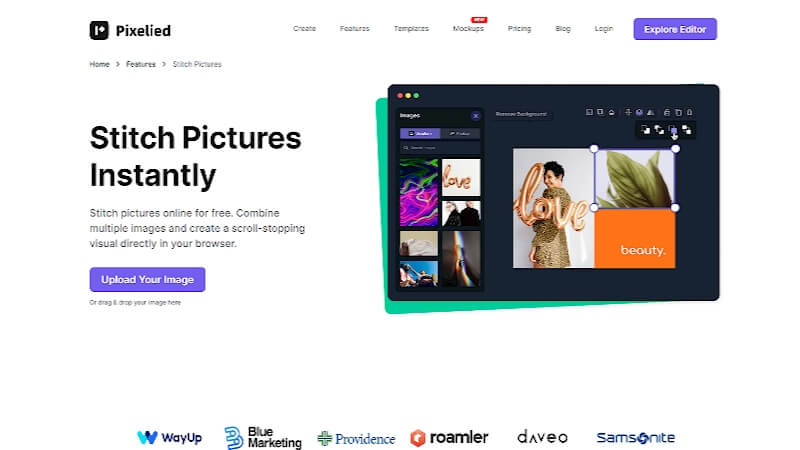
The software’s main strength is providing just the right balance for users of different skill levels, though it does lack some specialized panorama functions found in dedicated panorama software. Pixelied offers both a free version with essential features and a paid version for those needing more sophisticated tools, making it a versatile picture stitcher option for various user needs.
Best Mobile Apps for Photo Stitching
Sometimes you need to stitch photos together while you’re on the go, and that’s where mobile apps really shine. Here are the top photostitch app options for your smartphone.
Fotor: The Mobile Powerhouse
Fotor has built quite a reputation in the mobile space for its photo stitching capabilities. Whether you’re using an iPhone or Android device, this app delivers a wide range of stitching options from simple collages to complex panoramas.
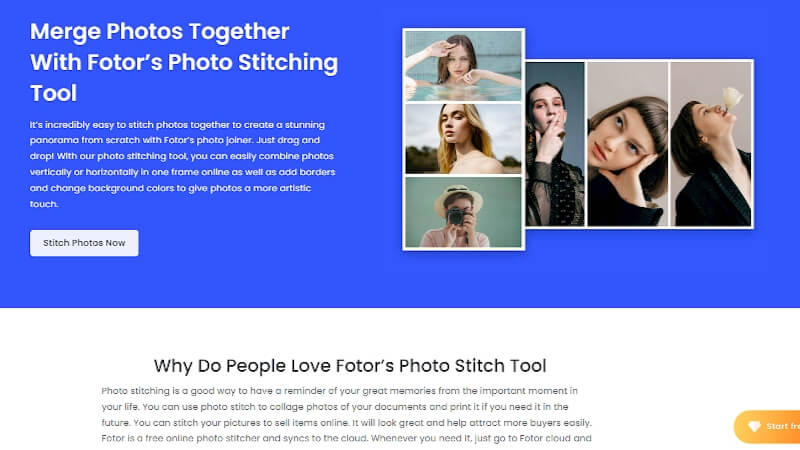
The basic app is free to use, though you’ll need a subscription to access some of the premium features. This approach makes Fotor equally useful for casual users just getting started with ai stitch images and professionals who need more advanced capabilities right on their mobile devices.
Pixlr: Feature-Rich and Accessible
Pixlr stands out as an excellent tool for mobile photo stitching because it combines plenty of features with user-friendly design. It attracts a broad audience by offering photo stitching alongside numerous other useful editing tools.
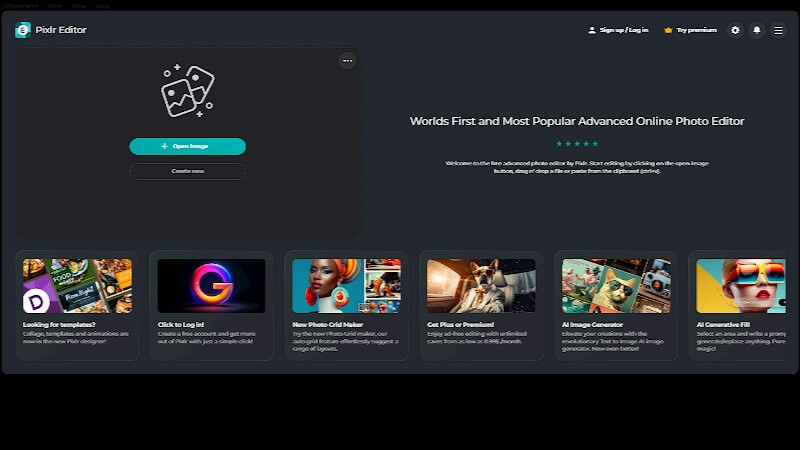
Available on both iOS and Android, the free version gets plenty of use, while in-app purchases unlock more advanced features for those who need them. Mobile photographers appreciate Pixlr because it strikes that perfect balance between having robust features and remaining easy to use, making it a go-to photo stitch app for many.
VSCO: More Than Just Filters
While VSCO is famous for its extensive collection of filters and photo editing tools, it also includes capable photo stitching functionality. This makes it a practical and versatile choice for mobile photographers looking to enhance their skills.
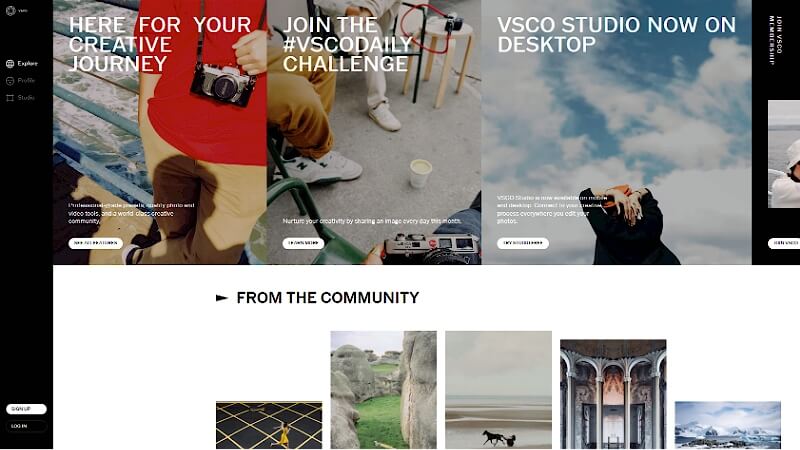
Compatible with both iOS and Android devices, you can download the app for free, with a subscription model providing access to all the app’s benefits. This setup works well for users who want access to advanced stitching and editing tools without committing to a large upfront cost for their photostitch app needs.
Snapseed: Powerful and Completely Free
Snapseed packs impressive photo stitching tools within its powerful and versatile photo editing environment. It works particularly well for users who want to merge photos seamlessly without any visible gaps between images.
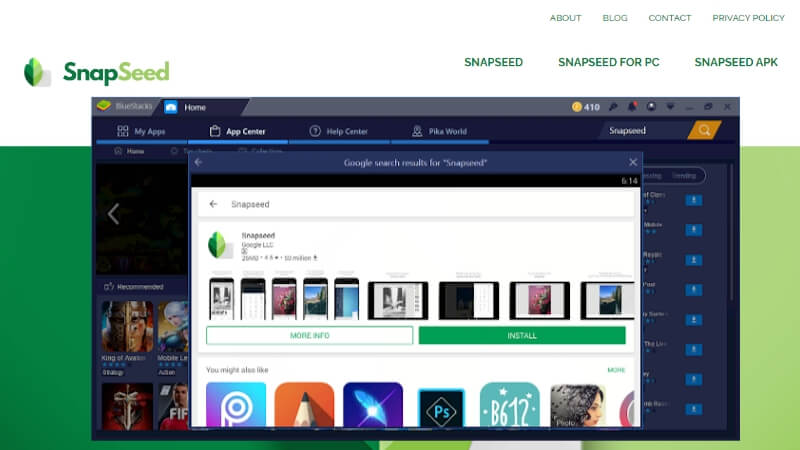
The fact that it’s completely free on both iOS and Android makes it an outstanding choice for mobile photographers. Regardless of whether you’re just starting out or you’ve been photographing for years, Snapseed delivers professional-level photo stitching software capabilities without costing a dime.
DMD Panorama: Specialized Mobile Panorama Tool
DMD Panorama focuses specifically on creating high-quality panoramic images on mobile devices. What sets it apart is its intuitive interface that works equally well for beginners and experienced users.
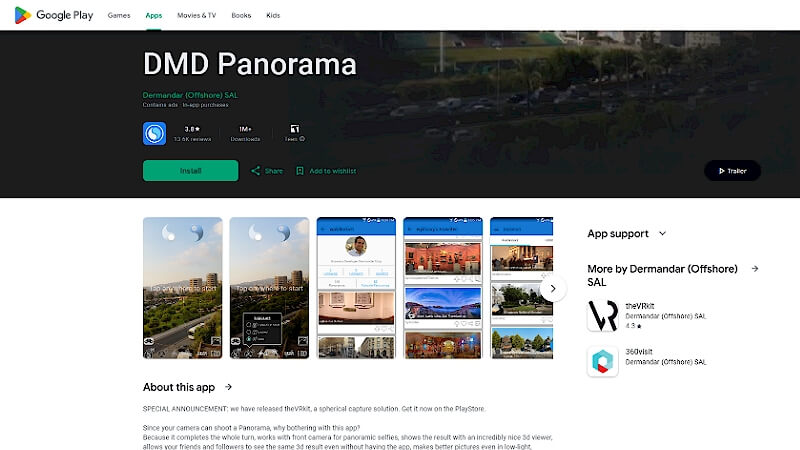
Available on both Android and iOS, you can access basic tools for free, with paid options unlocking more advanced features. When it comes to balancing quality and ease of use for panoramic photos, DMD Panorama stands out as a top choice among mobile photo stitching software options.
Taking Your Creations Further with AI Voice Technology
While we’re talking about cool ways to enhance your digital creations, have you considered what happens after you’ve stitched together those amazing photos? Maybe you want to create a video slideshow with narration, or add voiceovers to your panoramic tour. That’s where AI voice technology comes into play, complementing your visual creativity with audio enhancement.
iMyFone VoxBox.Best AI Voice Generator & AI Voice Cloner: Create Custom Voices Instantly.iMyFone VoxBox is a powerful free text-to-speech software offering 3,500+ lifelike AI voices in 250+ languages, all with 10 features in one tool. Create professional voiceovers and captivate audiences worldwide in just minutes with VoxBox AI.

Check More Details | Download Now! | Check All Deals
Imagine creating a beautiful panoramic video of your vacation and adding a professional voiceover explaining each location. Or making a collage of family photos with a custom narration. The possibilities are endless when you combine great visual tools with advanced audio technology.
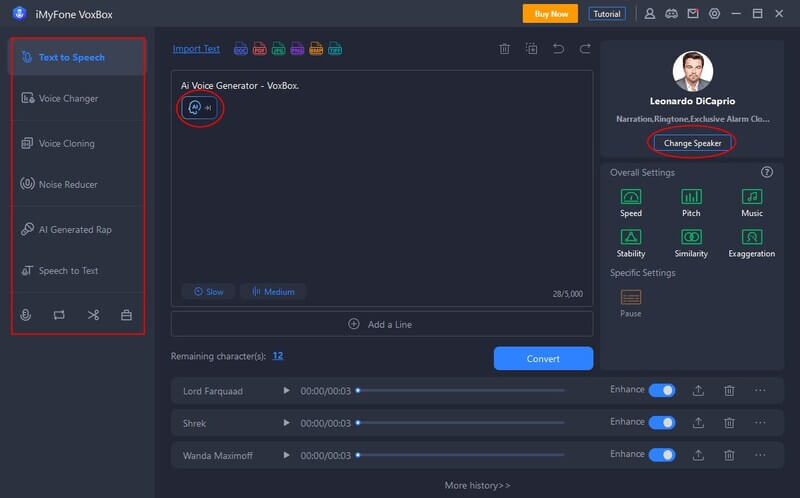
Here’s a fun idea: create a video of your stitched photos and add a humorous voiceover, then share it with friends or post it on social media. It’s these little creative projects that often become our most cherished digital memories.
What Makes VoxBox Special?
VoxBox stands out in the crowded field of AI voice tools for several reasons. It’s not just another text-to-speech program – it’s a comprehensive audio solution that can elevate your multimedia projects.
The software supports over 46 languages, which is fantastic if you have a global audience or work in multiple languages. The voice cloning capability is particularly impressive, allowing you to create custom voices that can add a personal touch to your projects.
Whether you’re a beginner just starting to explore digital content creation or a professional looking to streamline your workflow, VoxBox’s intuitive interface makes it accessible to everyone. The fact that it works on both PC and mobile devices means you can work on your projects wherever inspiration strikes.
iMyFone VoxBox.Best AI Voice Generator & AI Voice Cloner: Create Custom Voices Instantly.iMyFone VoxBox is a powerful free text-to-speech software offering 3,500+ lifelike AI voices in 250+ languages, all with 10 features in one tool. Create professional voiceovers and captivate audiences worldwide in just minutes with VoxBox AI.
Check More Details | Download Now! | Check All Deals
Common Questions About Photo Stitching
How do I combine two photos into one?
Combining photos is easier than you might think. Using a tool like Fotor, you can stitch photos together directly online without installing any software. The process typically involves uploading your images, arranging them using drag-and-drop tools, making any necessary adjustments, and then exporting your final creation. Most modern photo stitch app options make this process surprisingly straightforward.
What’s the difference between basic photo stitching and advanced panorama creation?
Basic photo stitching might involve simply combining two or three photos side by side, while advanced panorama creation involves carefully blending multiple images with overlapping content to create seamless wide-angle views. The best photo stitching software can automatically detect overlapping areas and blend them smoothly, while simpler tools might require more manual adjustment.
Do I need expensive equipment to create stitched photos?
Not at all! While having a tripod can help keep your images aligned, many modern photostitch app options can compensate for handheld shots. The key is to ensure your photos have enough overlap (usually 20-30%) and are taken from approximately the same position. Even smartphone cameras can produce excellent source images for stitching.
Can I stitch photos taken at different times?
This is where things get tricky. While you can technically stitch any photos together, images taken at different times or under different lighting conditions will show visible seams unless you’re very skilled with editing. For best results, try to take all the photos for your panorama or collage within a short time frame under consistent lighting conditions.
Bringing It All Together
The world of photo stitching has never been more accessible. Whether you’re using powerful PC software or convenient mobile apps, the ability to create stunning panoramas and creative collages is literally at your fingertips. From the ai stitch images capabilities of advanced software to the simplicity of basic mobile photostitch app options, there’s something for every skill level and need.
Remember that the best tool for you depends on your specific needs, skill level, and budget. Many programs offer free trials or basic free versions, so don’t be afraid to experiment until you find the picture stitcher that feels right for you.
As technology continues to evolve, we’re seeing amazing convergence between different types of creative tools. The combination of visual creativity like photo stitching with audio enhancement through AI voice technology opens up exciting new possibilities for content creation. Whether you’re preserving memories, creating art, or producing content for work, these tools can help you tell your stories in more engaging and professional ways.
So why not grab your camera or smartphone, take some overlapping shots, and try stitching them together? You might be surprised at what you can create!
Some images courtesy of iMyFone