TOOL HUNTER

Summary: This comprehensive guide introduces the best unblocked music sites to listen to music for free, especially in restricted environments like schools. We cover a curated list of platforms that often bypass common blocks, explain why some music sites get blocked, and provide practical methods for offline listening. Finding reliable sites to listen to music unblocked is easier than you think.
Music is a universal language and a daily escape for millions. For students and professionals in places with network restrictions, accessing favorite tunes can be a challenge. Many common entertainment and blocked music sites are filtered out. This doesn’t mean you have to go without your soundtrack. There exists a variety of websites to listen to music unblocked that can provide your audio fix without tripping the network alarms. Let’s dive into the best options available.
Top Picks for Unblocked Music Sites to Listen Freely
Navigating network blocks requires knowing the right destinations. The following sites to listen to music unblocked have proven to be more accessible in many restricted environments, offering a mix of radio, streaming, and independent artist platforms.
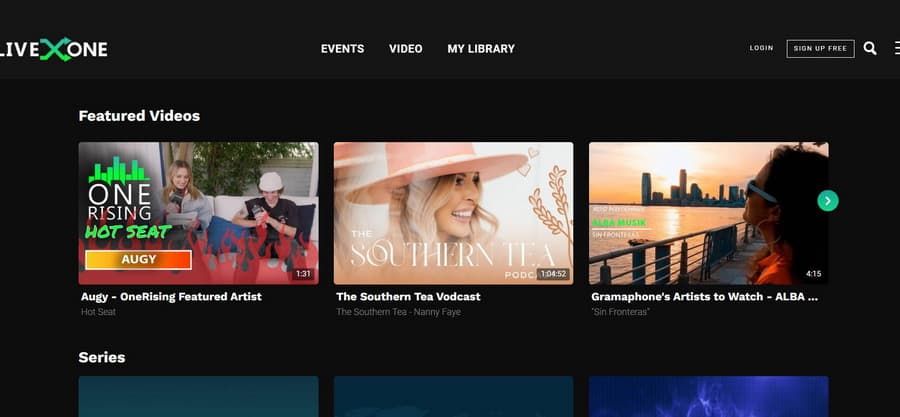
LiveOne: Premium Streaming Made Accessible
Formerly known as LiveXLive, LiveOne is a dedicated service for music and live entertainment streams. It’s considered one of the more reliable unblocked music sites for school because it offers a web-based player alongside its apps. It features live concerts, curated channels, and a vast podcast library. While it has a premium tier, its basic streaming access through a browser often remains unblocked, providing a high-quality listening experience.
Jamendo: A Haven for Independent Artists
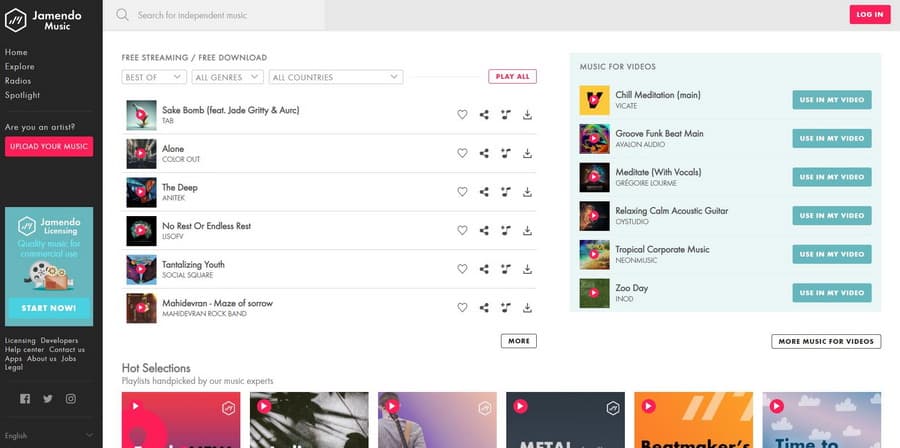
Jamendo stands out as a fantastic platform for discovering free music from independent creators worldwide. It hosts over 600,000 tracks, and the best part is you can stream without even creating an account. This makes it a prime candidate among websites to listen to music unblocked. The site’s focus on royalty-free music also means it’s less likely to be flagged by content filters. If you do sign up, you can download tracks, create playlists, and interact directly with artists.
AccuRadio: Customizable Internet Radio
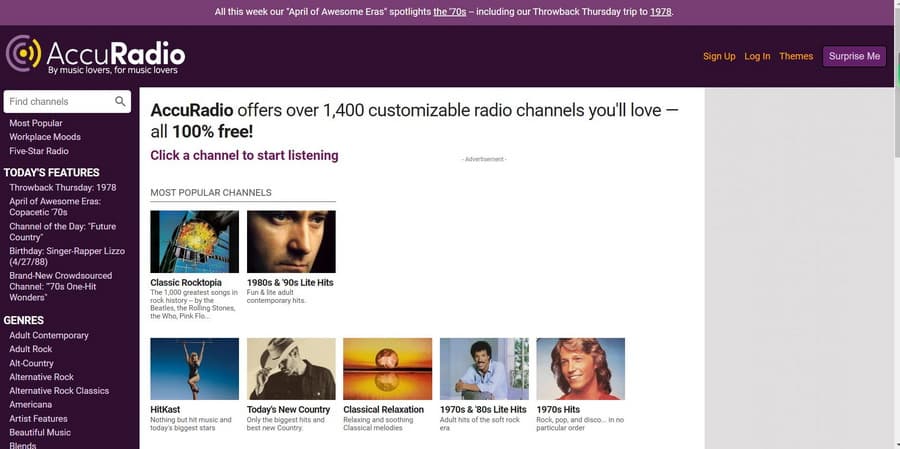
If you miss the charm of radio, AccuRadio brings it back with a digital twist. This site offers over a thousand themed channels that you can customize. It’s completely free and requires no login to start listening, which often helps it slip past restrictions on blocked music sites. From classic rock to the latest pop, its genre-based stations provide endless background music that feels personal.
Spotify: The Giant’s Web Player
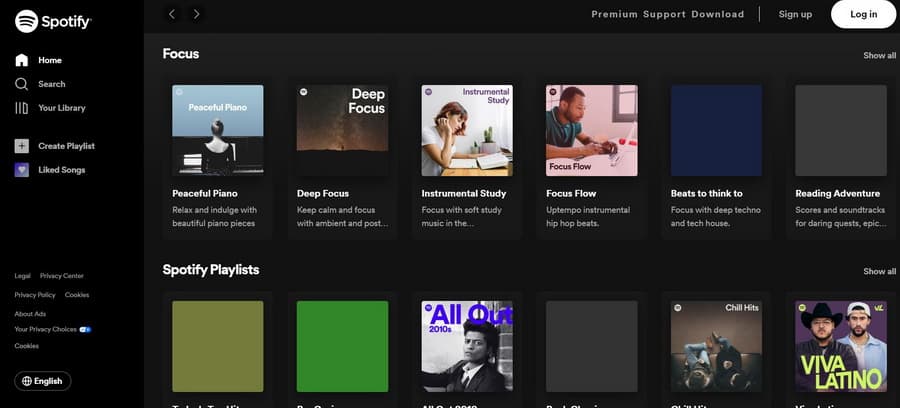
While the Spotify app might be blocked, its web player (open.spotify.com) is sometimes overlooked by network filters. As one of the most popular services, its massive catalog is a huge draw. Using the browser-based version can be a clever workaround to access this vast library when other blocked music sites are off-limits. You’ll need an account, but the free tier with occasional ads still offers a phenomenal selection.
TuneIn: More Than Just Music
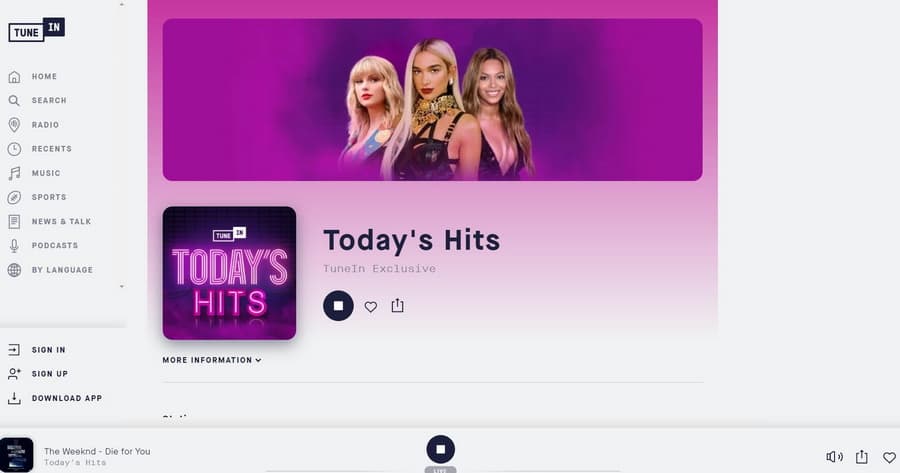
TuneIn provides a broad audio experience, streaming live radio, news, sports, and podcasts from around the globe. This diversity can work in its favor. Network administrators sometimes categorize it as a news or talk service rather than a pure entertainment site to listen to music unblocked. It’s a great way to access both music stations and other audio content from a single, often-accessible web portal.
Soundzabound: Music for Education
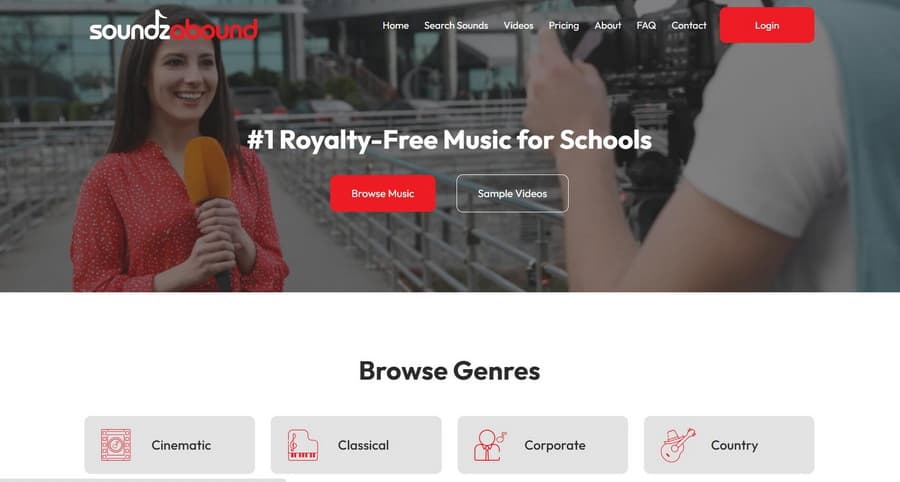
This platform is uniquely designed for K-12 schools and universities. Soundzabound offers royalty-free music and sound effects specifically for educational projects and presentations. Because it’s meant for academic use, it’s almost never on the list of blocked music sites. If you need music for a school project or just want to listen to clean, licensed tracks, this is a guaranteed safe bet.
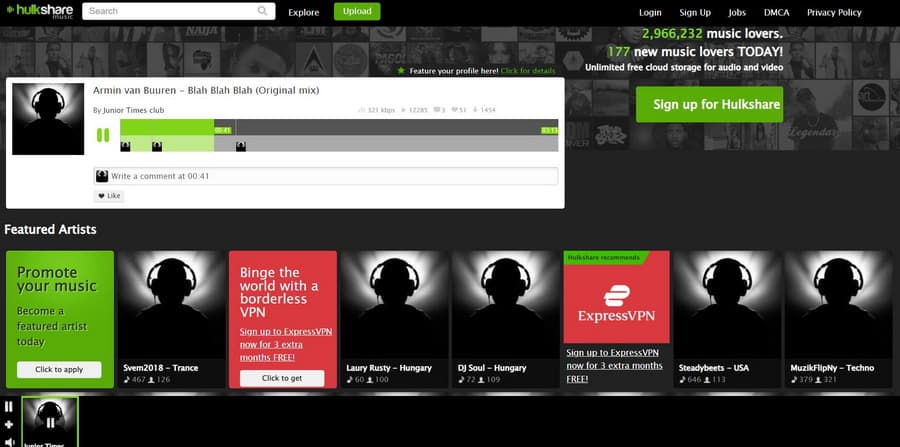
Hulkshare: Community-Driven Sharing
Hulkshare operates as a file-sharing platform where users upload and share music. It’s a no-frills, free site that doesn’t require registration, making it a straightforward option among websites to listen to music unblocked. The community aspect allows you to discover underground tracks and share your own finds. Its simple interface often helps it avoid the sophisticated filters that catch larger streaming sites.
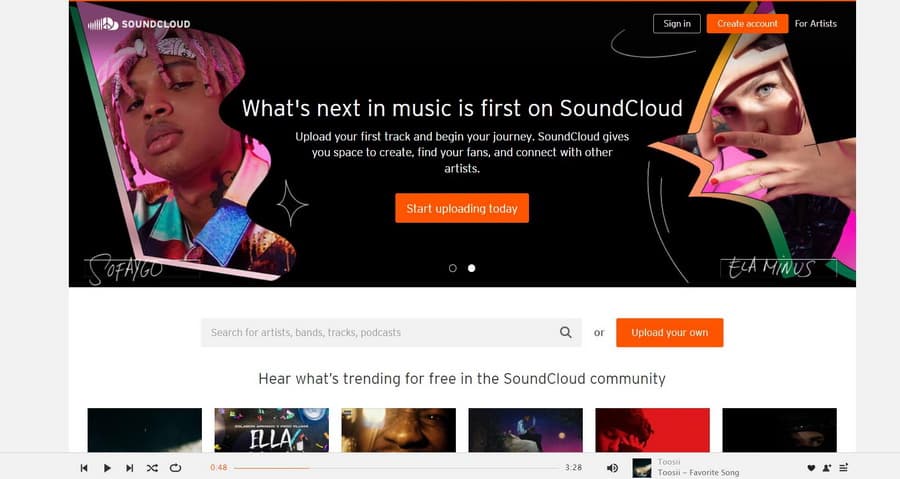
SoundCloud: The Creator’s Platform
SoundCloud is a cornerstone for indie musicians, podcasters, and DJs. Its web version is robust and frequently accessible even when apps are blocked. The platform’s huge variety, from official releases to unique remixes, makes it a favorite. Exploring its vast library can help you find your next favorite artist, all from a site to listen to music unblocked.
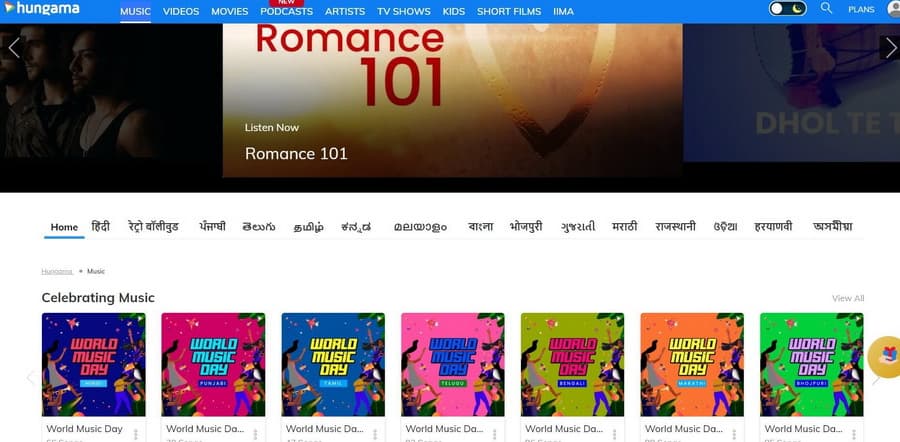
Hungama: A Gateway to World Music
Based in India, Hungama offers an enormous collection of music spanning Bollywood, regional Indian languages, and international genres. Its global server presence sometimes makes it less likely to be targeted by local network blocks. It’s a fantastic website to listen to music unblocked if you want to explore sounds from different cultures, all without needing to register.
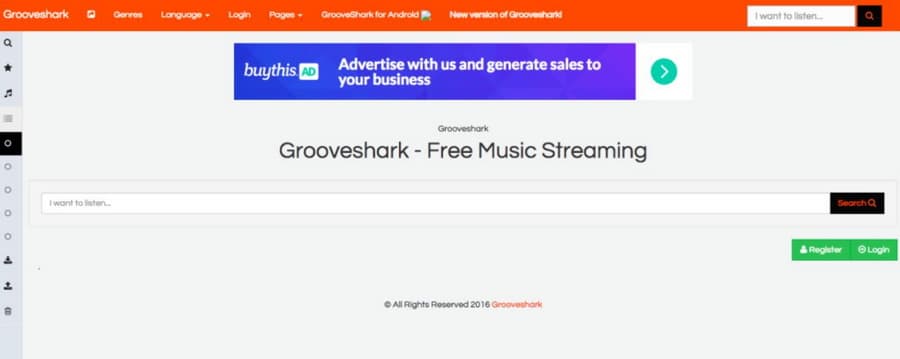
Grooveshark: The Community Revival
The modern iteration of Grooveshark continues the legacy of user-uploaded music libraries. It allows for deep customization of playlists and albums. As a community-driven service, it remains a popular choice for finding specific tracks and operates as one of the functional unblocked music sites in many environments. Creating an account unlocks personalized features.
How to Save Music from Unblocked Sites for Offline Play
Streaming is great until you lose your internet connection. What if you’re on a bus, in a basement, or just saving data? Some of these websites to listen to music unblocked offer official download options for subscribers, but there’s a universal method: audio recording software. This approach lets you capture any audio playing through your computer, creating a personal offline library from any site.
The process is straightforward. You use a program that records your computer’s internal audio output. This means anything you can hear through your speakers or headphones can be saved as a standard MP3 or WAV file. It’s a handy tool for preserving music from platforms that don’t offer downloads, lectures, or any online audio.
Step-by-Step Guide to Recording Streaming Audio
First, you need the right software. Leawo Music Recorder is one example designed for this task. It can capture sound from both your computer’s internal stream (like from a browser) and external inputs like a microphone. The goal is to record the clean, digital audio directly, not through a microphone pointed at a speaker.
Step 1: Get the Software ReadyAfter installing the audio recorder, launch it. The main interface is usually simple, with a big record button. Before hitting it, you need to check the source settings.
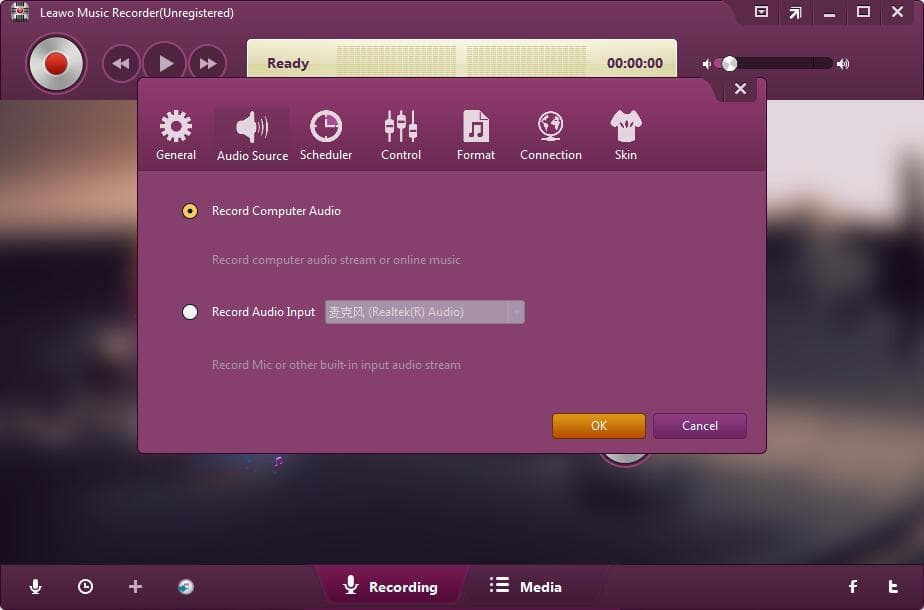
Step 2: Select the Correct Audio SourceLook for a settings or gear icon. Inside the settings panel, ensure the “Record Computer Audio” option is selected. This tells the software to capture the digital audio stream from your web browser or music player app, not the ambient room noise. If you were recording a podcast with a mic, you’d choose “Record Audio Input,” but for music from sites to listen to music unblocked, computer audio is the way to go.
Step 3: Adjust Your Output PreferencesWhile in settings, you can also choose the file format and quality. MP3 is the standard because it’s compressed and space-efficient. WAV files are larger but are uncompressed, perfect if you need the highest fidelity. You can also set where on your computer the recorded files will be saved.
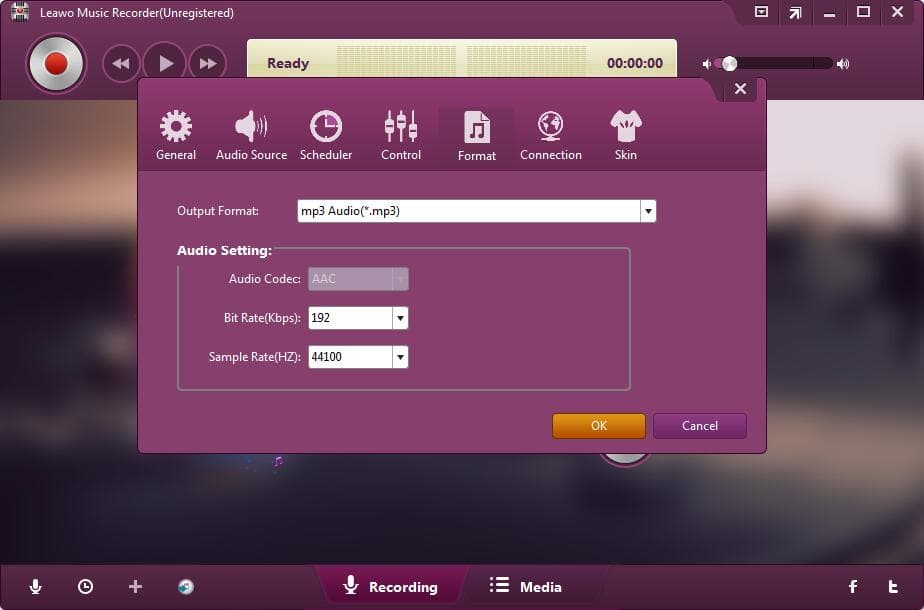
Step 4: Record Your MusicNow for the fun part. Go to your chosen unblocked music site and find the song or playlist you want. Press the record button in your software first, then immediately press play on the web player. The software will capture everything that plays. When the song or session is over, hit stop. The file will be saved to your designated folder, ready for offline listening on any device.
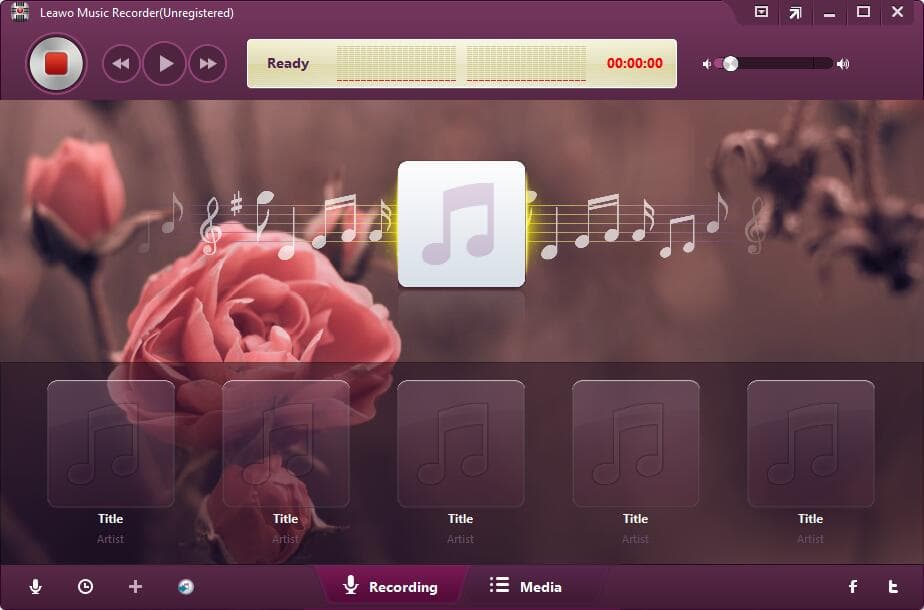
Try Leawo Music Recorder right now! Record music and audio from any source including YouTube, Spotify, radios, and podcasts with 100% original quality retained.
Get the Windows version | Get the Mac version | Use the time-limited promotional campaign
This method turns any website to listen to music unblocked into a potential source for your permanent music collection. It respects the need for access while giving you control over your listening experience, online or off.
Common Questions About Accessing Music on Restricted Networks
People have a lot of questions when their favorite tunes get cut off. Let’s tackle some of the most frequent ones about navigating blocked music sites and finding alternatives.
Why Are Music Sites Blocked at School or Work?
Institutions block sites for a few key reasons. The main one is productivity—they want to minimize distractions so students and employees focus on their tasks. Network bandwidth is another concern; streaming music uses a lot of data, which can slow down essential services for an entire school or office. There are also legal and security considerations, like preventing access to copyrighted material or malicious sites. It’s not always about being strict; sometimes it’s about managing resources and safety.
What Are Some Quick Ways to Unblock a Site?
If your go-to site is blocked, there are a few common techniques people try. Using a VPN (Virtual Private Network) is the most powerful, as it routes your connection through a server in another location, hiding your activity from the local network. Proxy websites act as a middleman, letting you access a site through their server. Sometimes, simply changing your DNS server settings to a public one like Google DNS (8.8.8.8) can bypass certain blocks. It’s important to check your institution’s policies before trying these, as some may prohibit circumventing their network filters.
Are There Unblocked Music Apps for Phones?
Absolutely. Many of the sites to listen to music unblocked also have mobile apps. However, if the school Wi-Fi blocks the app’s connection, the web browser version might still work. Some apps known for being accessible include AccuRadio, TuneIn Radio, and even the mobile browser version of Spotify. For Chromebooks and tablets, the browser-based players for these services are often your best bet for getting past restrictions on blocked music sites.
Can I Legally Download Music from These Sites?
It depends on the site and the specific track. Platforms like Jamendo and Soundzabound offer royalty-free or Creative Commons-licensed music that is explicitly free to download for personal use. For mainstream music on sites like Spotify or SoundCloud, downloading is typically a feature reserved for paying subscribers, and those files are often encrypted to only play within the app. The recording method described earlier exists in a gray area; it’s generally for personal use, but it’s crucial to respect copyright and not distribute recorded files.
What If All Music Sites Are Blocked?
In a heavily locked-down environment, you might need to get creative. Consider loading your own music files onto a USB drive or your phone before going to school or work. Internet radio stations that stream through simple .m3u or .pls playlist files sometimes slip through because they aren’t recognized as “music websites” by simpler filters. Podcast apps might also still work, and many podcasts include music or are music-focused.
Finding the right websites to listen to music unblocked can transform a dull study session or workday. The key is to explore different options, from educational platforms like Soundzabound to global hubs like Hungama. With a mix of direct streaming and smart recording for offline use, you can ensure your personal soundtrack is always available, no matter what network restrictions you face. The world of online music is vast, and with a little know-how, you can access much more of it than you might think.
Some images are sourced from the internet.