TOOL HUNTER

Summary: Navigating OnlyFans can be tricky because the platform itself doesn’t have a built-in search function. This guide will show you how to use powerful third-party OnlyFans search function tools and clever online methods to find specific creators, discover new accounts, and explore content. We’ll cover the top search engines, tips for using social media, and how to refine your searches for the best results.
If you’ve ever tried to find new OnlyFans accounts or look up a specific creator, you’ve probably hit a wall. Unlike most social media sites, OnlyFans keeps things private by design, which means you need to get creative. Let’s dive into the best ways to find OnlyFans profiles and connect with the content you’re looking for.
Why OnlyFans Lacks a Native Search Feature
OnlyFans is built around privacy and exclusivity. The platform is designed to let creators share content with their subscribers without being easily discoverable by the general public. This protects creators’ control over their audience and content. Therefore, to find someone on OnlyFans, you typically need a direct link to their profile or you must rely on external tools. This is where third-party OnlyFans search function websites become incredibly useful. They act as directories or search engines specifically for OnlyFans profiles, crawling publicly available information to help users connect.
Top Tools for Your OnlyFans Search Needs
Since you can’t search directly on the site, several dedicated websites have popped up to fill this gap. These platforms aggregate profile data and offer various filters to help you find OnlyFans creators based on your interests.
OnlyFinder: The Google for OnlyFans Profiles
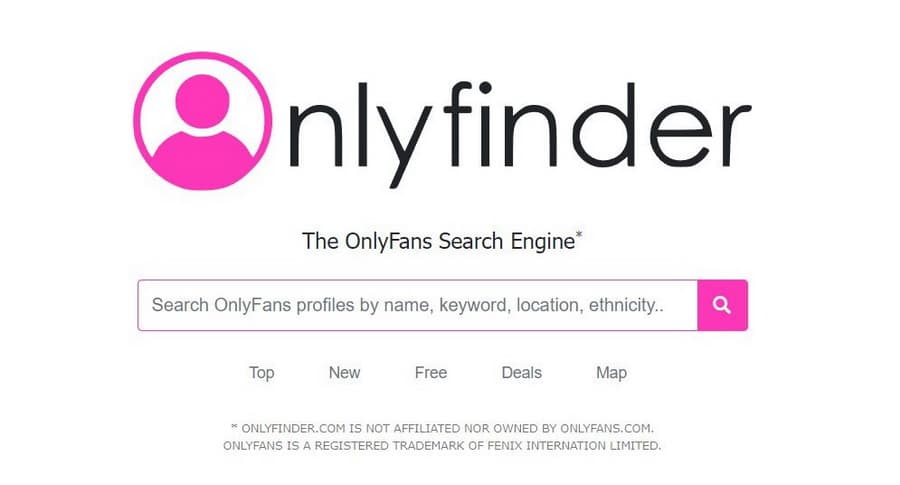
OnlyFinder is one of the most popular external search engines for this purpose. It features a simple, Google-like search bar where you can type in a name, keyword, or phrase. What makes it powerful is its advanced filtering. You can find new OnlyFans accounts by location, category, gender, ethnicity, and even subscription price. For example, if you want to find creators in a specific city, you can search “Miami” or even “San Francisco within 5KM.” It’s a comprehensive tool for any fans only search mission.
FansMetrics: Discovering Accounts Near You
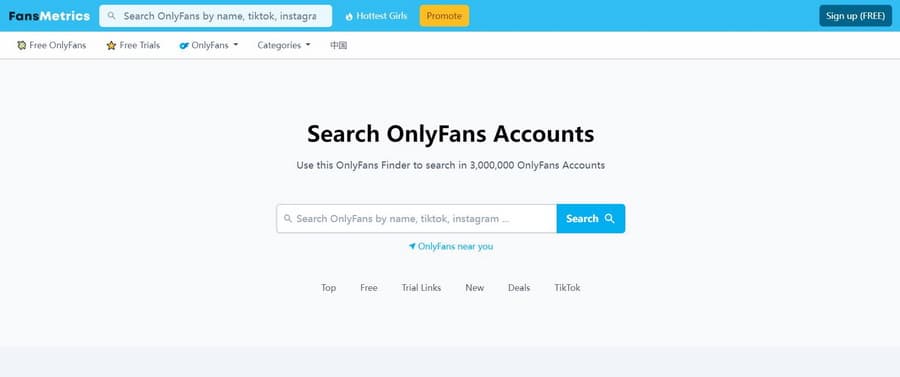
FansMetrics is another excellent resource. It boasts a large database that includes free accounts, trial offers, and paid subscriptions. Its interface is user-friendly, with a prominent search function and categorized dropdown menus. A standout feature is the “Accounts near you” option, which uses location data to show you local creators. This is perfect for a targeted fans only search if you prefer supporting creators in your region or are curious about local talent.
OnlySearch: Keyword-Based Profile Hunting
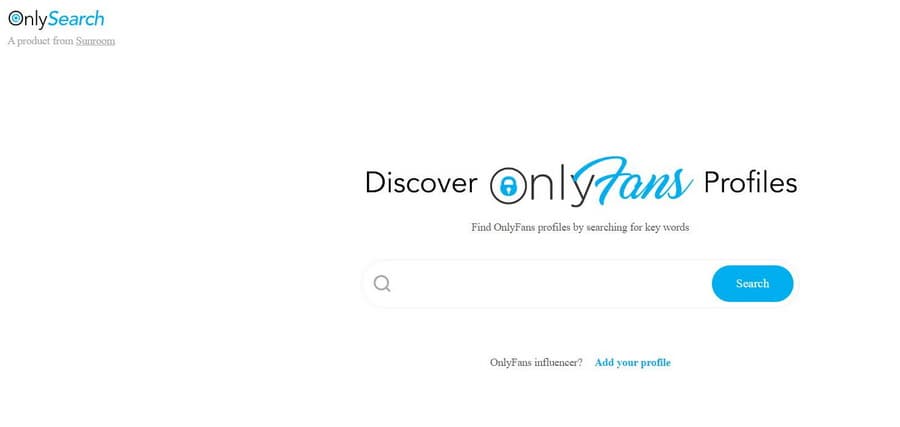
True to its name, OnlySearch is a straightforward tool that lets you find OnlyFans profiles using keywords. It scans profile information like bios, display names, and even location tags. You enter a term—maybe a hobby, a physical attribute, or a content theme—and it returns relevant profiles. It’s a great way to find new OnlyFans accounts that align with very specific niches or interests you might have.
Hubite and Topcreators: Curated Lists and Filters
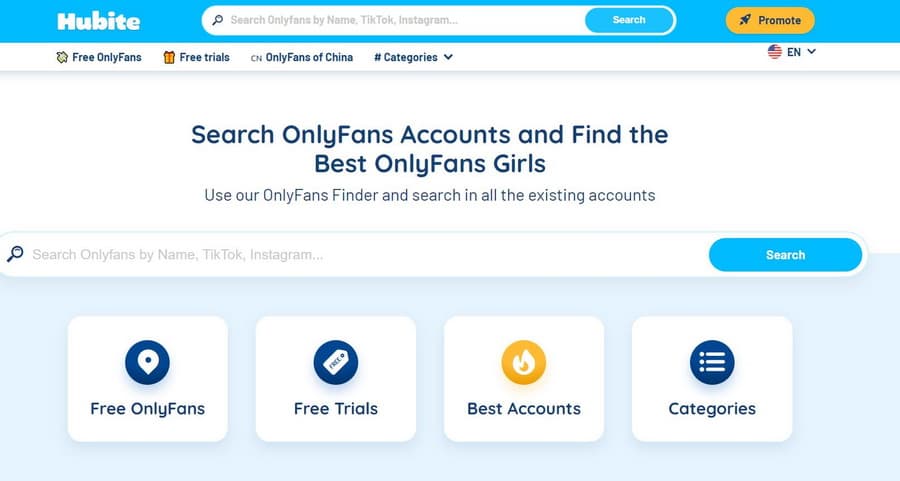
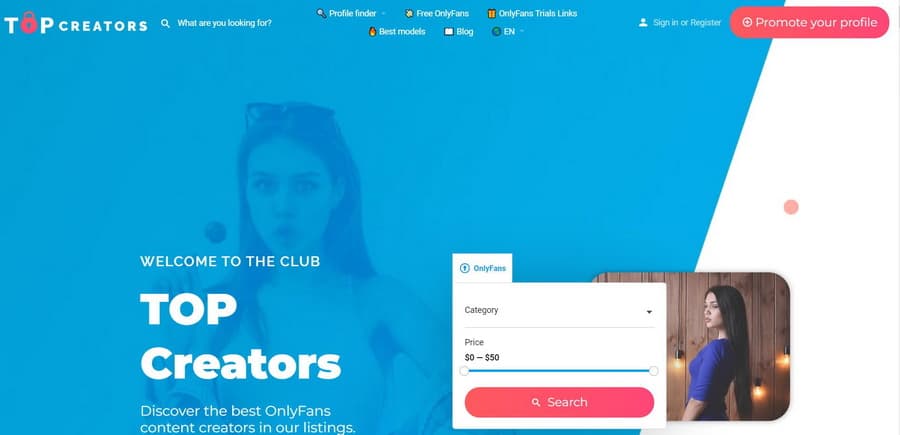
Hubite and Topcreators take a slightly different approach. They often feature curated lists of popular or trending creators. Hubite allows you to search by name, keyword, or country and filter by category and price. Topcreators frequently updates its lists, highlighting top-rated accounts weekly. These sites are fantastic if you’re not looking for someone specific but want to explore high-quality content. They simplify the OnlyFans search function by doing some of the curation for you.
Leveraging Social Media for Your OnlyFans Search
Sometimes, the best way to find someone on OnlyFans isn’t through a dedicated search site, but through other platforms where creators promote themselves.
Using Reddit to Find Creators
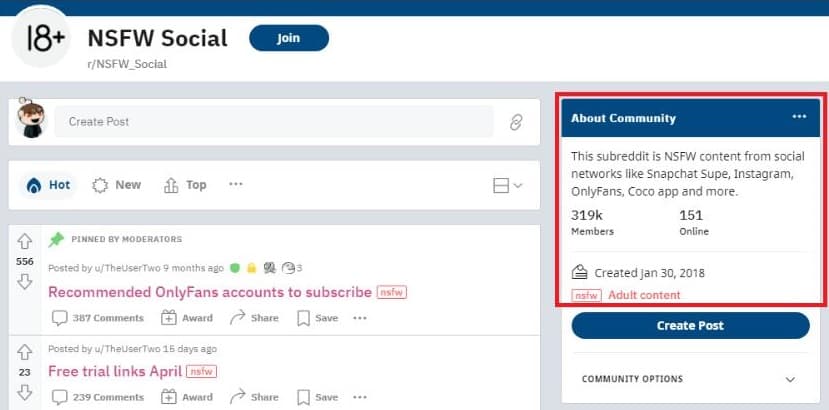
Reddit is a treasure trove for discovering OnlyFans content. Numerous subreddits (communities) are dedicated to OnlyFans promotions, reviews, and recommendations. Creators often share their links, previews, and engage with potential subscribers here. You can search within Reddit for terms like “OnlyFans” plus your interest (e.g., “gaming,” “fitness,” “cosplay”) to find relevant communities and profiles. It’s a more organic way to find new OnlyFans accounts.
The Power of a Simple Google Search
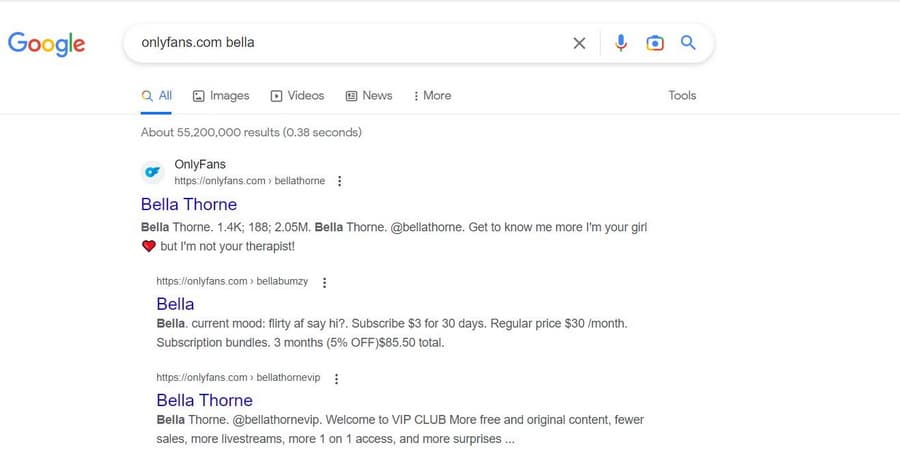
Never underestimate the world’s largest search engine. If you have a creator’s username, real name, or even a known alias, a Google search can often lead you straight to their OnlyFans profile or to social media pages that link to it. Try searching the format “username OnlyFans” or “name OnlyFans link.” Google can also index some of the third-party search sites mentioned above, making it a good starting point for any fans only search endeavor.
Advanced and Niche Search Methods
For those who have a bit more information, there are more targeted ways to find OnlyFans profiles.
Reverse Lookup with Social Catfish
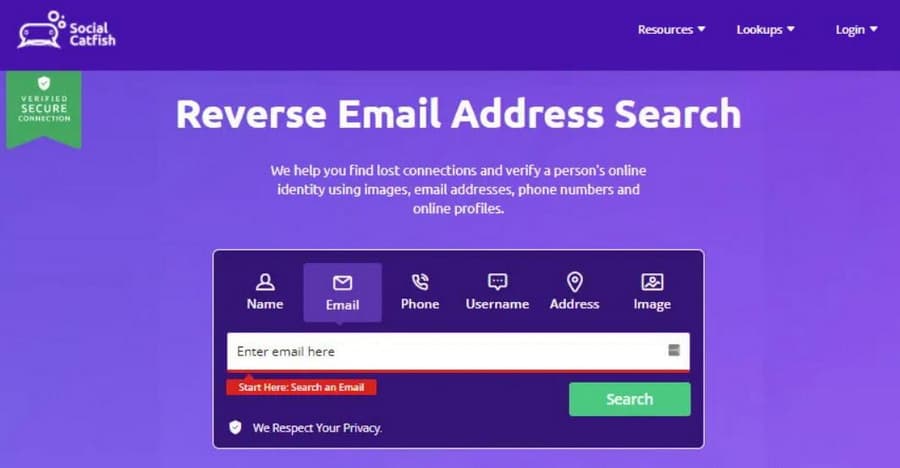
Services like Social Catfish specialize in reverse searches. If you have an email address, phone number, or even an image associated with a person, you can use this tool to see if it’s linked to an online profile, including an OnlyFans account. This method is more about verifying or finding a specific person rather than browsing for new content. It highlights another dimension of the OnlyFans search function beyond simple browsing.
The Direct Link: The Simplest Method
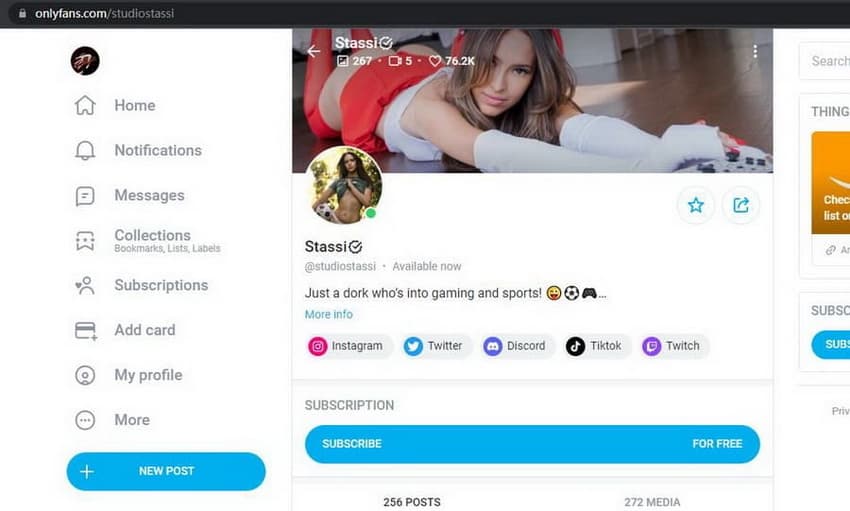
If you already have a direct URL to a creator’s OnlyFans page, that’s the easiest way to access it. Creators share these links on their Twitter, Instagram, TikTok, or personal websites. This method requires you to already know where to look, but it’s the most straightforward. Bookmarking profiles you like can help you build your own personal directory, bypassing the need to find someone on OnlyFans repeatedly.
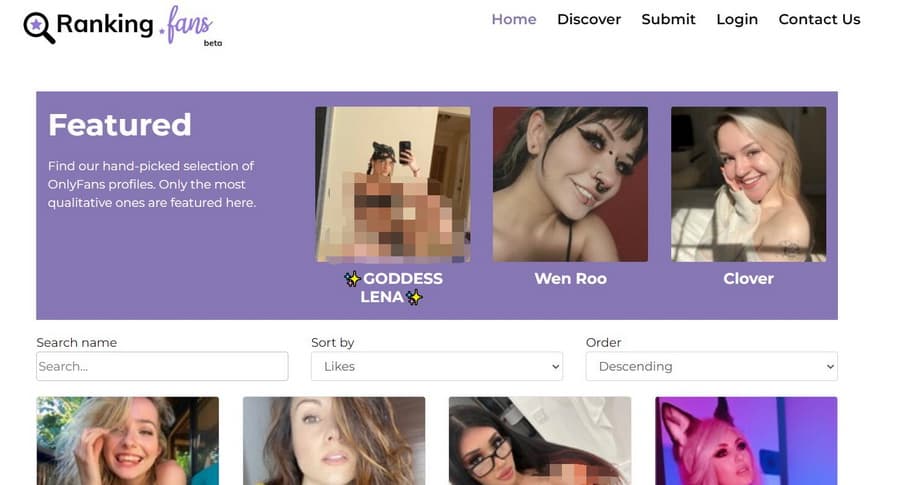
Ranking Sites and Directories
Websites like Ranking-fans list creators based on metrics like popularity, number of posts, likes, and subscriber count. They offer filter options to sort by these stats, helping you find new OnlyFans accounts that are currently trending or highly engaged. It’s a good way to see who’s at the top of their game on the platform.
Try Leawo CleverGet OnlyFans Downloader right now! Batch download OnlyFans videos to MP4/MKV files at up to 1080P resolution without quality loss.
Get the Windows version | Get the Mac version | Use the time-limited promotional campaign
Tips for an Effective and Safe Search
While using these tools, keep a few things in mind to have a better experience. First, understand that these third-party sites are not affiliated with OnlyFans. The information might not always be 100% up-to-date. Second, be cautious with any site that asks for your OnlyFans login credentials; legitimate search engines don’t need this. Finally, respect creators’ privacy and boundaries. Use these tools to discover public profile information, not to intrude on private details.
The lack of a native OnlyFans search function might seem like a hurdle, but as you can see, it has led to the development of a whole ecosystem of external tools. Whether you’re trying to find someone on OnlyFans you heard about elsewhere, or you want to explore and find new OnlyFans accounts in your favorite niche, the methods above provide a clear path. From specialized search engines like OnlyFinder to the vast networks of Reddit and Google, you have plenty of options to conduct your next successful fans only search.
Some images are sourced from the internet.