TOOL HUNTER

Summary: Ever wondered if you can watch Twitter videos without an account? The good news is, it’s entirely possible. This guide will walk you through several effective methods to view Twitter anonymously without account, search for content, and even save videos for offline viewing, all without the need to log in or create a profile.
Navigating the vast world of Twitter, now known as X, can be incredibly rewarding. From breaking news and viral memes to insights from thought leaders, there’s a constant stream of content. But sometimes, you just want to browse casually or watch Twitter videos without account for research or entertainment, without committing to a profile. Whether you’re looking to view Twitter anonymously without account or simply want to search Twitter without account for specific information, this article covers all the bases.
Can You Really Use Twitter Without an Account?
Absolutely. While having an account unlocks the full interactive experience—like posting, replying, and following—the platform does allow for a surprising amount of passive consumption. You can view Twitter anonymously without account and access a significant portion of public content. It’s important to note, however, that the official mobile app will prompt you to log in upon launch. For anonymous browsing, your best bet is to use a web browser on either your computer or phone. This approach lets you search Twitter without account and watch videos, though features like viewing threaded replies or accessing ‘For You’ timelines will be limited.

How to Watch Twitter Videos Without an Account
If your primary goal is to watch Twitter videos without account, you have a couple of straightforward options. These methods are perfect for when you stumble upon a shared video link or just want to see what’s trending in video format.
Method 1: Utilize the Twitter Web Interface
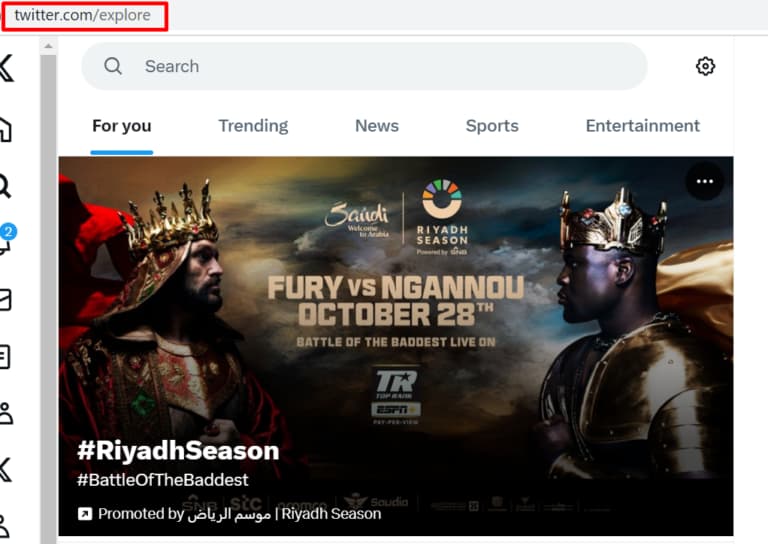
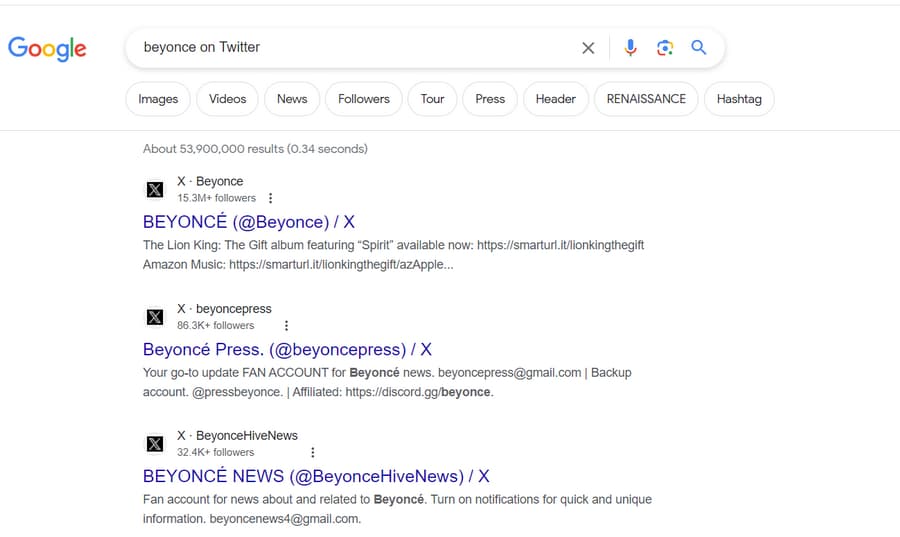
The most direct method is to simply visit Twitter’s website. You can use the built-in search function to find videos on any topic. Just type your keywords into the search bar on the homepage. The results page has filters; click on “Videos” to see only video tweets. You can play them directly in the browser. This is a quick way to view Twitter anonymously without account for video content. Additionally, checking the “Explore” or “Trending” sections can surface popular video tweets without any login prompts.
Method 2: Leverage Third-Party Viewer Sites
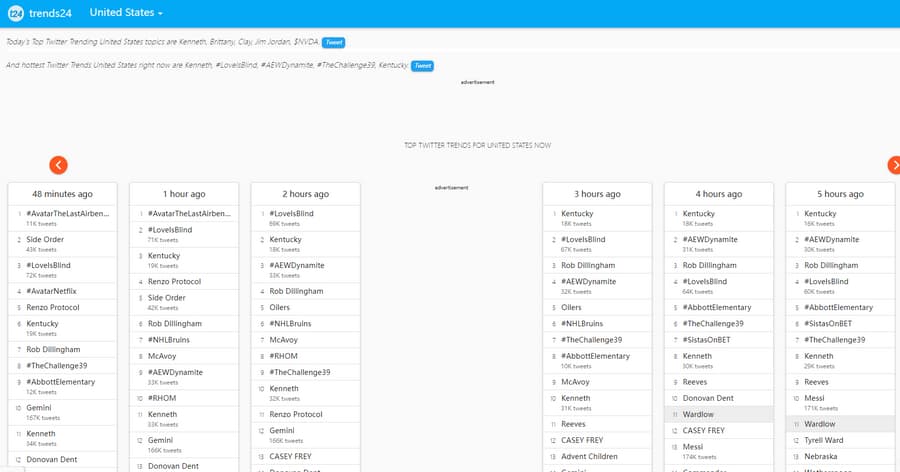
Several websites act as windows into Twitter’s public data, allowing you to watch Twitter videos without account through their interface. These sites aggregate trending topics and public tweets, often including embedded videos. They are excellent tools to view Twitter anonymously without account and discover content.
- Trends24.in: This site provides a real-time, location-based list of trending topics and hashtags on Twitter. Clicking on a trend often shows a feed of top tweets, which can include videos. It’s a fantastic way to see what the world is watching and talking about.
- GetDayTrends.com: Similar to Trends24, GetDayTrends offers categorized trending topics. Its clean layout makes it easy to drill down into specific interests like sports or entertainment, where video content is prevalent.
- Tweet Hunter: While often used as a growth tool, its public-facing features can help discover high-performing tweets. You can often find viral video threads and content curated by its algorithms, giving you a way to search Twitter without account for quality videos.
How to Search Twitter Without an Account
Maybe you’re not just after videos; you want to find tweets from a specific person or about a particular event. Here’s how to effectively search Twitter without account.
Using Twitter’s Own Search Engine
The search bar on Twitter’s homepage is fully functional for anonymous users. You can search for usernames (like @username), keywords, phrases, or hashtags. The results will show you a mix of top tweets and latest tweets from public profiles. You can use the filters at the top of the results to narrow down to “People,” “Photos,” or “Videos.” This is the most straightforward way to search Twitter without account directly at the source.
Using Google to Find Twitter Content
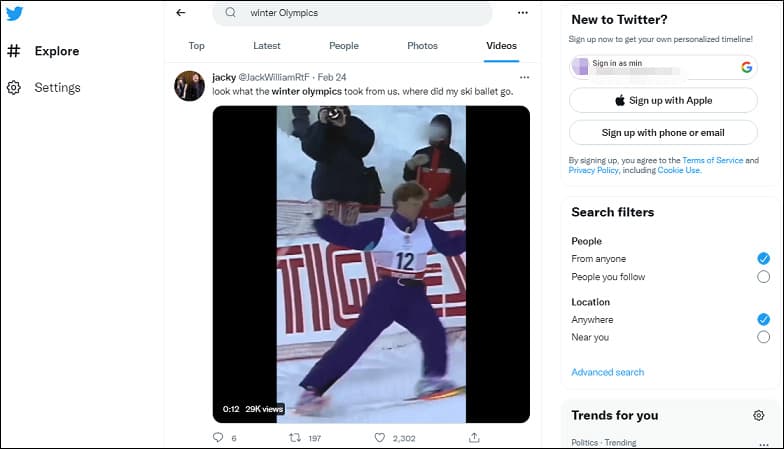
Google is surprisingly powerful for Twitter searches. By using specific “search operators,” you can pinpoint content. For example, if you want to find tweets from a particular user, search for site:twitter.com [username] in Google. To find tweets about a topic, try site:twitter.com \"keyword\". This method often surfaces profile pages and individual tweets that you can then click through to view. It’s a handy backup, especially if Twitter’s own search is being finicky for anonymous users.
The Ultimate Method: Download Twitter Videos Without an Account
Sometimes, streaming isn’t enough. Maybe you want to save a tutorial, a funny clip, or a news segment to watch later offline, with no worries about buffering or the tweet being deleted. This is where downloading comes in. While you can watch Twitter videos without account online, downloading them for permanent access requires a different tool.
A dedicated video downloader is the most reliable solution. Such tools allow you to paste the URL of any public Twitter video tweet and download it directly to your computer as an MP4 file. This process completely bypasses the need for any login. You simply copy the link from your browser while you’re anonymously viewing the video and paste it into the downloader software. This method guarantees you can keep the content, watch it without ads, and view it anytime, even without an internet connection. It’s the most robust way to preserve access to Twitter content you find while trying to view Twitter anonymously without account.
Try Leawo Video Converter right now! 6X Faster Speed and 1:1 Quality to Convert Videos and Audios in 180+ Formats from One to Another
Get the Windows version | Get the Mac version | Use the time-limited promotional campaign

Steps to Download Videos Using Dedicated Software
- Find Your Video: Use any of the methods above to watch Twitter videos without account. Once you find a video you like, copy its URL from your browser’s address bar.
- Use a Downloader Tool: Open your chosen video downloader application. These programs typically have a prominent paste or “analyze” button.
- Paste and Analyze: Paste the copied Twitter video URL into the tool. It will analyze the link and fetch available download qualities (like 720p, 1080p, etc.).
- Choose and Download: Select your preferred video quality and format, then start the download. The file will be saved directly to your hard drive.
This approach not only lets you watch Twitter videos without account but also own a copy. It’s perfect for content creators, researchers, or anyone who wants a personal media library free from platform constraints.
Important Considerations and Limitations
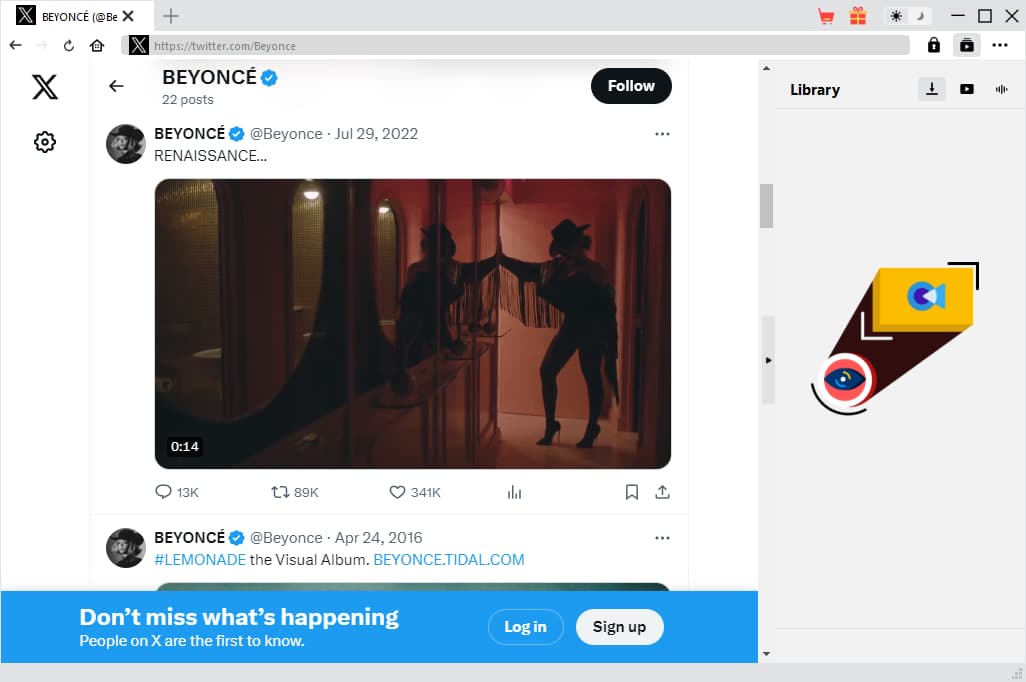
While you can do a lot without an account, it’s good to know the boundaries. Anonymous browsing has its limits. You cannot post, reply, retweet, like, or send direct messages. Your browsing experience is also not personalized; you’ll see a generic, logged-out version of trends and searches. Some profiles that are set to “protected” will be completely invisible to you. Furthermore, Twitter may occasionally show prompts or walls encouraging you to log in or sign up, especially after extensive browsing sessions. The goal to view Twitter anonymously without account is achievable, but it’s a read-only experience.
Conclusion
So, can you watch Twitter videos without account? Definitely. From using the main website and clever third-party viewers to harnessing the power of Google search, you have multiple paths to access content. For the most permanent and flexible access, downloading videos is a powerful option. Whether you’re a casual observer, a journalist monitoring events, or just someone who values privacy, you now have a complete toolkit to search Twitter without account and enjoy its vast video library on your own terms. Remember, the digital world offers many ways to explore, and sometimes, watching from the sidelines is all you need.
Try Leawo CleverGet Video Downloader right now! Download up to 8K videos, Shorts videos, playlists, channels, music videos, movies, TV shows, and even live videos from YouTube, TikTok, Instagram, Facebook, Pinterest and 1000+ other websites.
Get the Windows version | Get the Mac version | Use the time-limited promotional campaign

Some images are sourced from the internet.