TOOL HUNTER

Summary: Finding reliable free music apps that work on airplane mode is essential for travelers and commuters. This guide explores the top applications that allow you to download and enjoy your playlists offline, ensuring your entertainment never gets interrupted, even at 30,000 feet. We’ll also cover some clever workarounds to maximize your offline listening experience.
Ever been on a long flight, settled into your seat, only to realize your go-to music app needs an internet connection? We’ve all been there. The good news is, with a little preparation, you can have a personal soundtrack for your entire journey. Let’s dive into the world of free music apps that work on airplane mode and how to get the most out of them.
Top Picks for Music Apps on Airplane Mode
While many popular streaming services require a paid subscription for offline downloads, several apps offer legitimate ways to listen without a signal. The key feature to look for is the ability to ‘download’ or ‘save’ songs, albums, or playlists directly to your device’s storage. Once saved, these files can be accessed anytime, making them perfect for music apps on airplane mode.
Here are some of the most effective applications that cater to offline listeners.
Spotify: The Streaming Giant with an Offline Mode
Spotify is arguably the most famous name in music streaming. Its free, ad-supported tier offers access to a massive library, but offline listening is a perk reserved for Spotify Premium subscribers. With a Premium account, you can download up to 10,000 songs on each of up to 5 devices. Simply find your playlist, album, or podcast, and toggle the ‘Download’ switch. Once the content is on your device, you can switch your app to ‘Offline Mode’ in the settings and enjoy it anywhere.
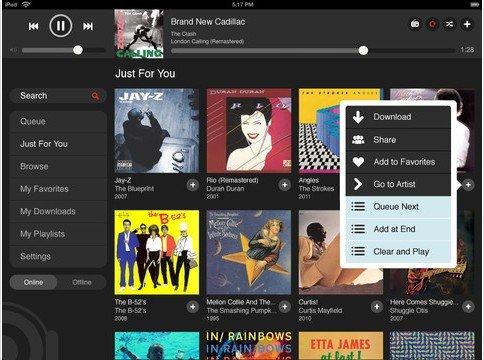
For free users, the situation is trickier. The free tier doesn’t allow downloads. However, the app does have a ‘Offline Mix’ feature that sometimes caches a personalized playlist based on your listening habits when you are on Wi-Fi, which might be available for a short time after you go offline. It’s not guaranteed, but it’s a small bonus.
Apple Music: Seamless for the Ecosystem
Apple Music offers a three-month free trial for new users, after which it requires a subscription. Like Spotify Premium, a subscription unlocks the ability to download any song, album, or playlist for offline playback. The process is intuitive for iPhone users: just tap the ‘+’ icon to add music to your library, then tap the cloud download icon next to any item to save it locally. For Android users, the app functions similarly, making it a viable music app that works in airplane mode across platforms.
A unique aspect of Apple Music is its integration with your existing iTunes library. If you have old MP3s or purchased songs, they live alongside your streamed music, all playable offline.
SoundCloud: A Hub for Discovery and Offline Listening
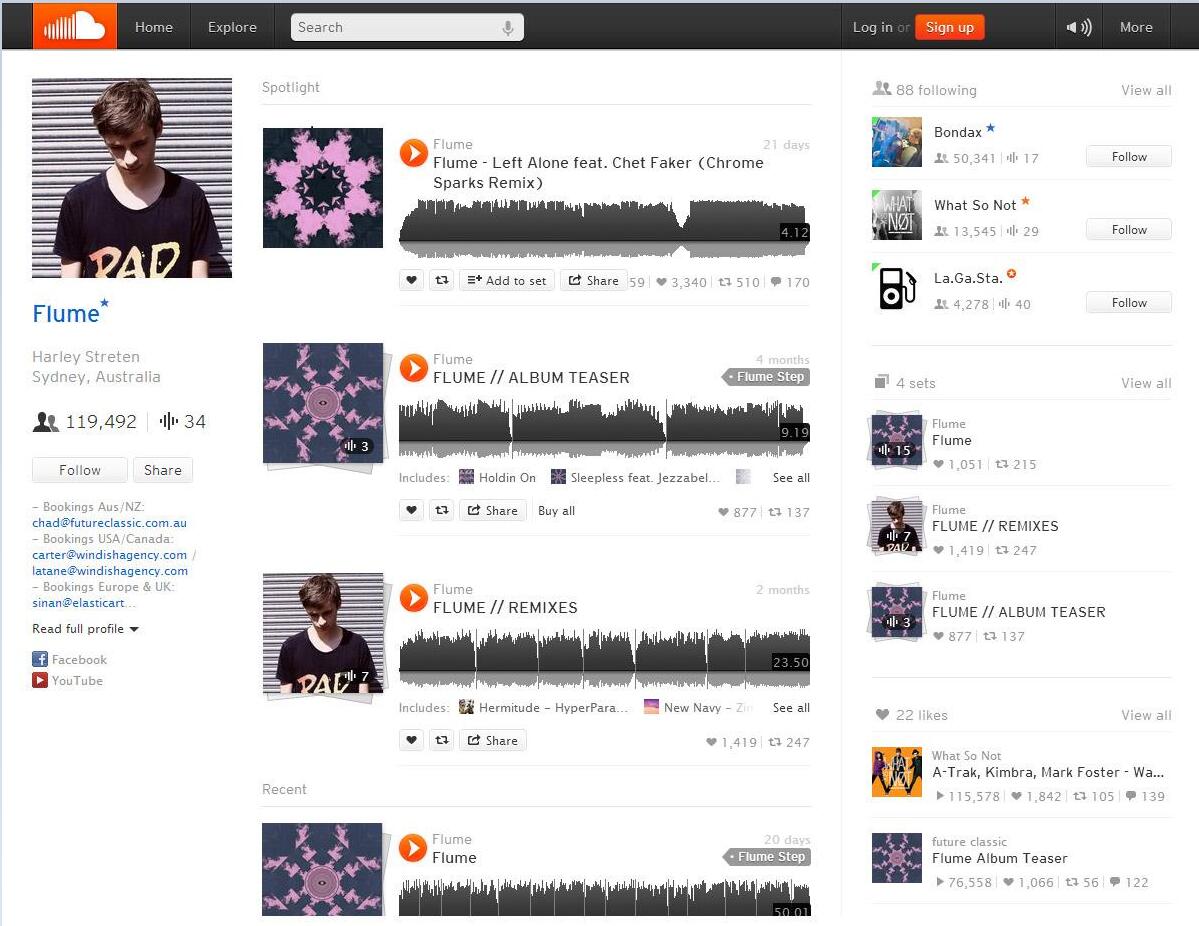
SoundCloud stands out because it’s both a streaming service and a social platform for artists. Many independent artists upload their work here first. The SoundCloud Go+ subscription enables offline listening, allowing you to download tracks and playlists. Even on the free plan, some creators enable downloads for their tracks, which you can save directly. By diligently curating a playlist with these downloadable tracks, you can build a solid offline collection for your flights, making it a versatile choice among music apps for airplane mode.
Exploring Other Notable Music Apps on Airplane Mode
Beyond the big names, several other services deserve attention for their offline capabilities.
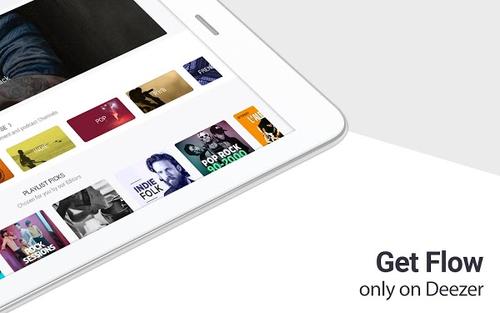
Deezer offers a free tier with ads and shuffle play, but its Deezer Premium subscription allows downloads for offline listening. It also creates personalized playlists like ‘Flow’ and ‘Daily Mixes’ that can be downloaded if you’re a subscriber.
Google Play Music has been replaced by YouTube Music, but the principle remains. YouTube Music Premium lets you download songs, albums, and playlists, and even save videos for audio-only offline playback. This is a huge advantage if your taste includes live versions, remixes, and obscure covers found primarily on YouTube.
Napster (formerly Rhapsody) focuses on high-quality audio. A Napster Premium subscription grants download privileges for offline listening. It’s a strong option for audiophiles who want their offline files to sound as good as possible.

Slacker Radio (now LiveOne) is fantastic for radio-style listening. Its premium tiers allow you to download not just music playlists but also radio stations and podcasts for offline enjoyment, which is perfect for long trips where you want varied, DJ-curated content.

How to Actually Use These Apps in Airplane Mode
Knowing which free music apps that work on airplane mode exist is only half the battle. You need to set them up correctly. The general process is similar across most apps with download features.
First, ensure you have a stable Wi-Fi connection. Mobile data can work, but it’s slower and consumes your data plan. Open your chosen app and navigate to the music you want. Look for a download icon—it often looks like a downward arrow, a checkmark inside a circle, or explicitly says ‘Download’ or ‘Save Offline.’ Tap it. You’ll usually see a progress indicator.
Once your downloads are complete, it’s crucial to test them. Turn on Airplane Mode on your device (this disables Wi-Fi and cellular), then open the music app. Navigate to your ‘Downloads’ or ‘Library’ section. The app should display only the content stored on your device. Try playing a song. If it works, you’re all set!
Remember, most subscription services require you to go online at least once every 30 days to verify your account is still active. So, even if you’re a frequent flyer, you’ll need to connect the app to the internet once a month to keep your offline library alive.
The DRM Hurdle and a Potential Solution
A major barrier for free users is Digital Rights Management (DRM). This is the technology that prevents you from downloading songs from Spotify’s free tier or copying Apple Music files to other devices. DRM locks the file to the specific app and account. This is why you can’t just download a song from Spotify Free and play it in your phone’s native music player.
So, what if you want to use a music app that works in airplane mode without a monthly subscription? One method involves using third-party software designed to record or convert streaming audio. These tools, often called stream rippers or DRM removers, can create a local, DRM-free copy of the music you play on your computer.
For example, some software can play a Spotify track and record the audio output, saving it as a standard MP3 file. These MP3s can then be transferred to your phone and played using any basic music player app, which will definitely work offline. It’s important to note that the legality of this practice varies by region and is intended for personal use of music you have legal access to stream. It’s a more technical workaround, but it effectively liberates your music for offline playback on any device, making virtually any source a potential provider for your music apps for airplane mode collection.
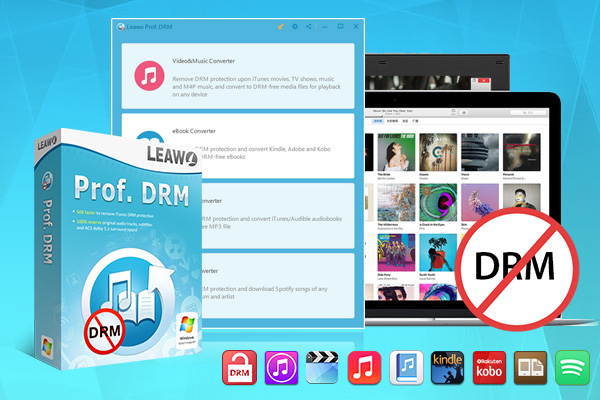
Try Leawo Prof. DRM Spotify Converter right now! Remove DRM from Spotify music and convert it to MP3, AAC, M4A, WMA, and more formats with lossless quality for offline playback on any device.
Get the Windows version | Get the Mac version | Use the time-limited promotional campaign

Building Your Perfect Offline Playlist
Regardless of which app you choose, strategy is key. Don’t wait until you’re at the airport gate to start downloading. A day or two before your trip, spend some time curating. Think about the duration of your flight and create a playlist that matches. Maybe start with some calming ambient music for takeoff, move into your favorite upbeat albums for the cruise, and finish with a relaxing soundtrack for descent.
Mix up genres and artists to keep things interesting. If you’re using an app that allows podcast downloads, like Spotify or Apple Podcasts, intersperse some talk content with your music. This variety can make a long journey feel much shorter. The goal is to have a music app that works in airplane mode ready to go, filled with content you’re genuinely excited to hear.
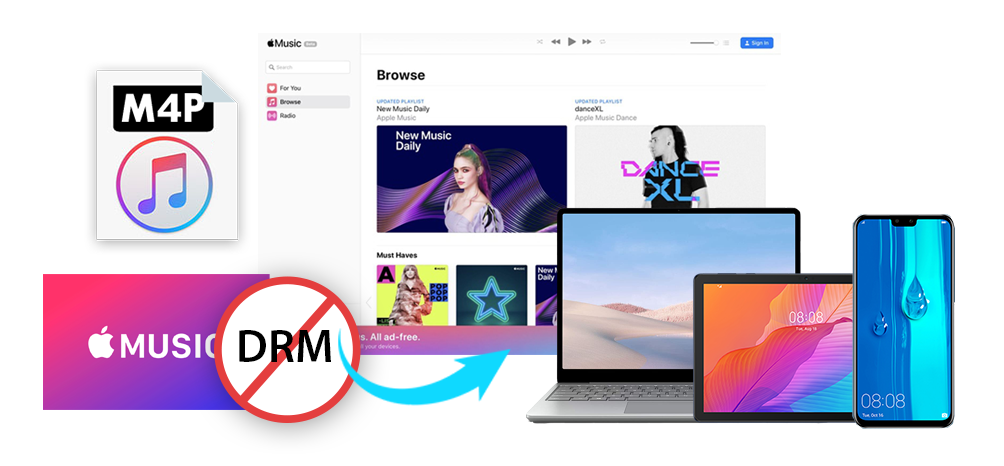
Try Leawo Prof. DRM Music Converter right now! Remove Fairplay DRM Protection from Apple Music M4P, M4A and convert to MP3 at 50X high speed while keeping original quality, channels, sample rates and bit rates intact.
Get the Windows version | Get the Mac version | Use the time-limited promotional campaign
Final Thoughts on Staying Entertained Offline
In our always-connected world, the ability to disconnect and still have access to our media is a luxury. Thankfully, with a bit of planning, you can ensure your personal entertainment hub is fully operational at 30,000 feet. Whether you invest in a subscription service like Spotify Premium for seamless integration, hunt for downloadable tracks on SoundCloud, or use a combination of methods, you have plenty of options for free music apps that work on airplane mode.
The next time you’re packing for a trip, remember to ‘pack’ your phone with music, podcasts, and audiobooks. That pre-flight preparation is the surest way to turn a boring flight into a personalized entertainment experience. So, plug in your headphones, switch to airplane mode, and press play—your offline soundtrack awaits.
Some images used in this article are sourced from the internet.